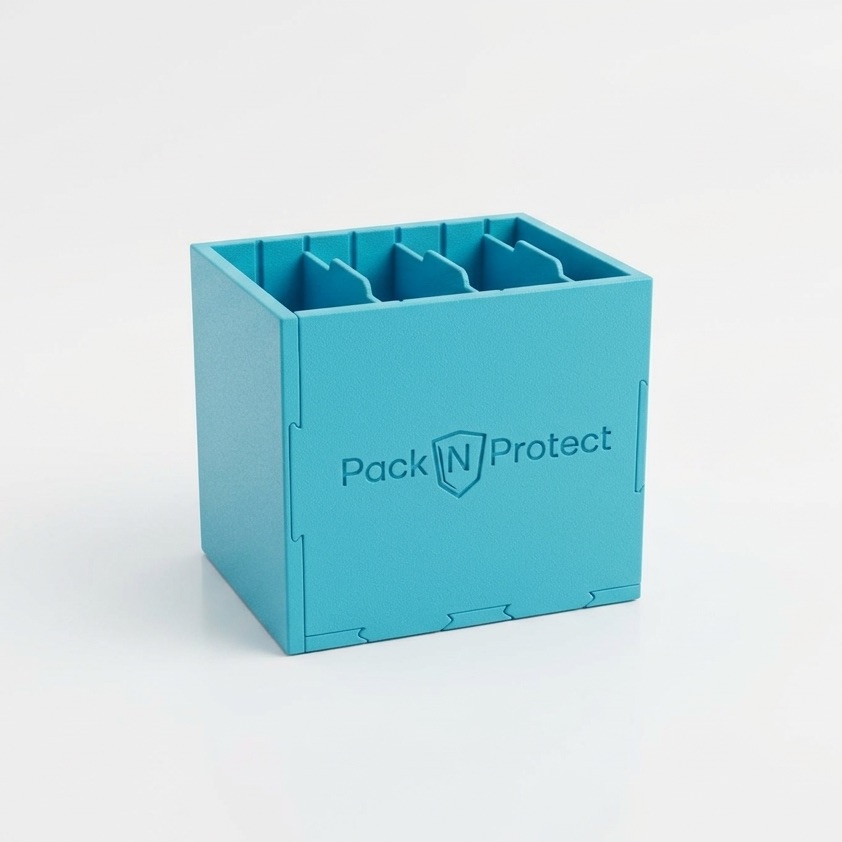
Pack N Protect Logo
Official Guide

Collectible Box
Assembly Instructions

Building this solid box is quick and intuitive. Follow the steps below to connect all elements correctly.

Preparation

Step 0: Inventory

Before you begin, prepare a clean, flat surface. Unpack the kit and check if you have all 8 elements:

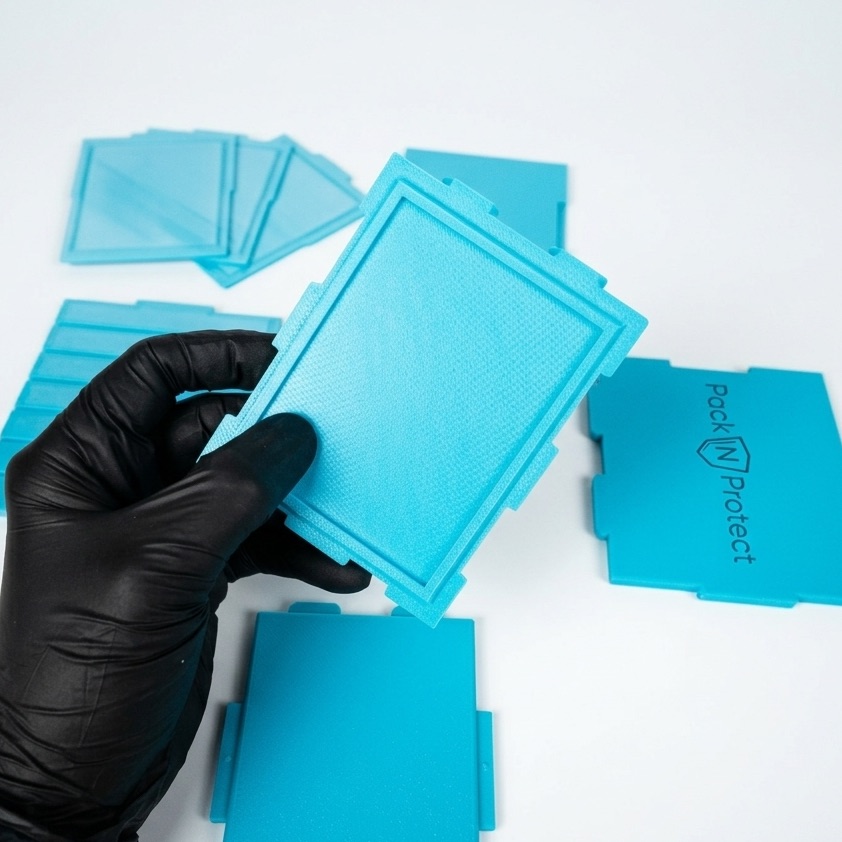
  • 1 Base: Has a characteristic rectangular protruding edge.
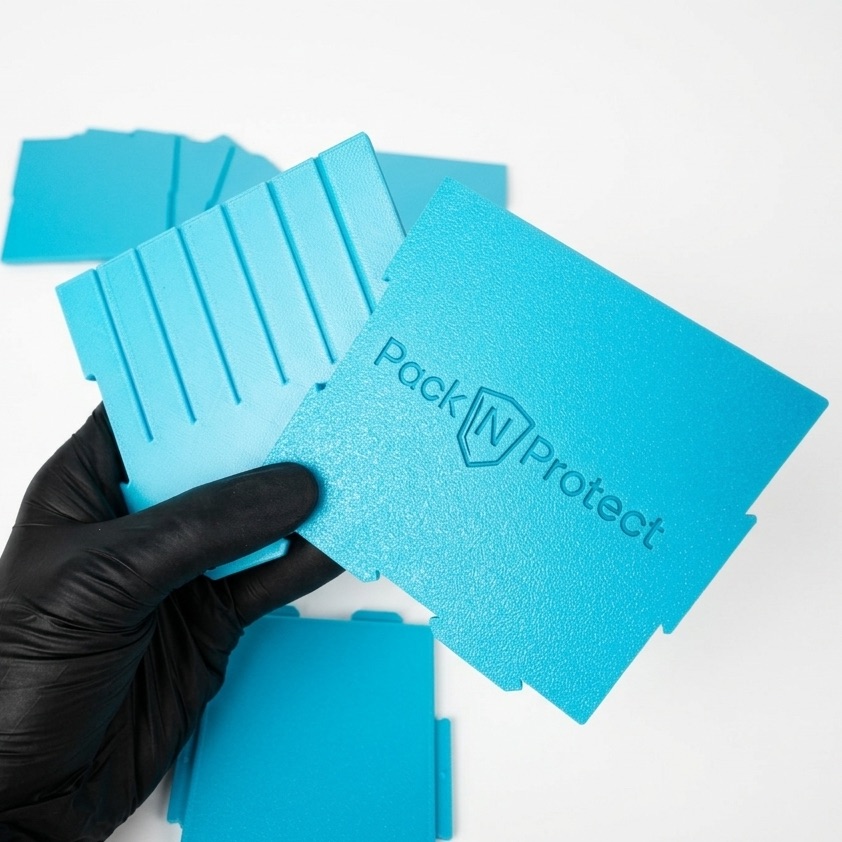
  • 2 Side panels: Feature a logo and internal guides.
  • 2 Shorter panels (front/back): Have mounting tabs.
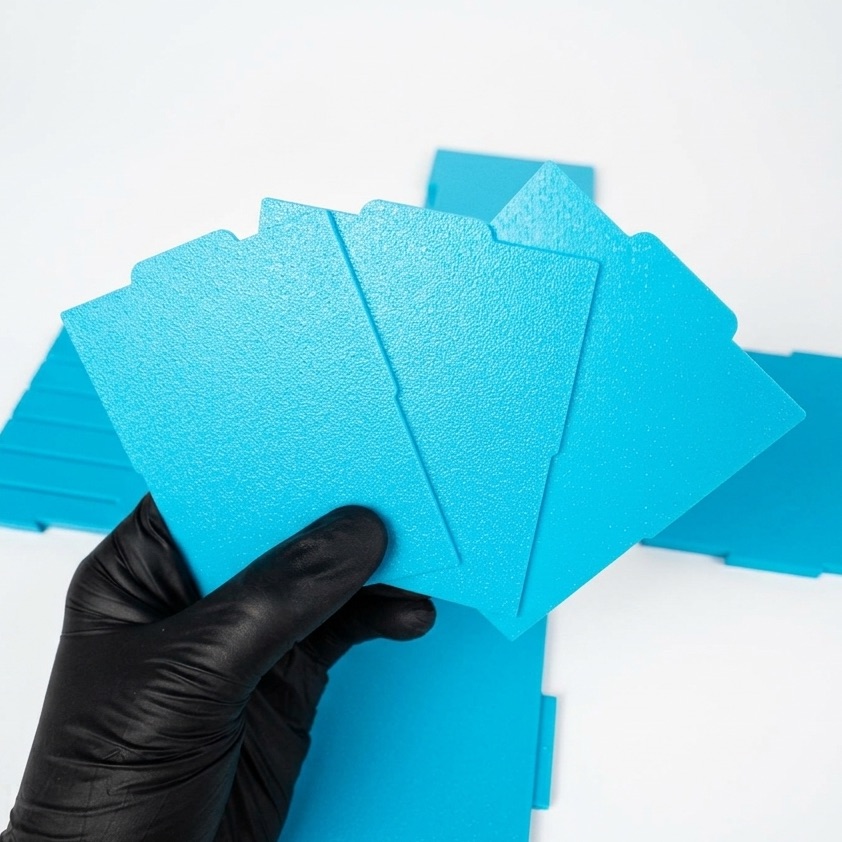
  • 3 Dividers: The smallest parts with a top "tab".
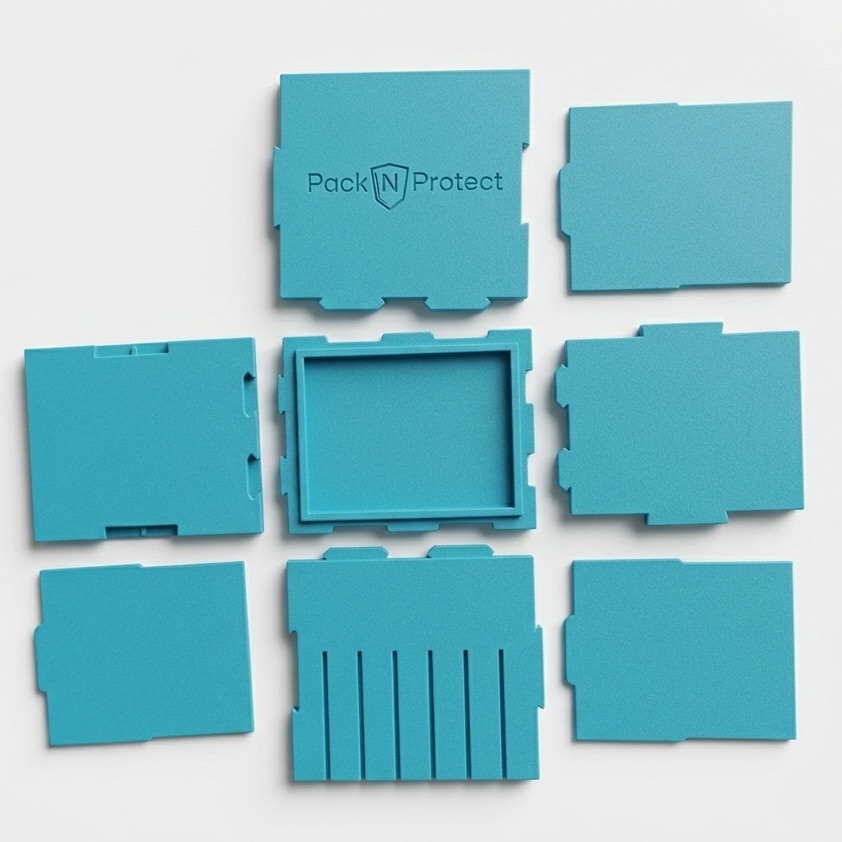
All elements Dividers Side panels
Base

Step 1: Preparing the Base

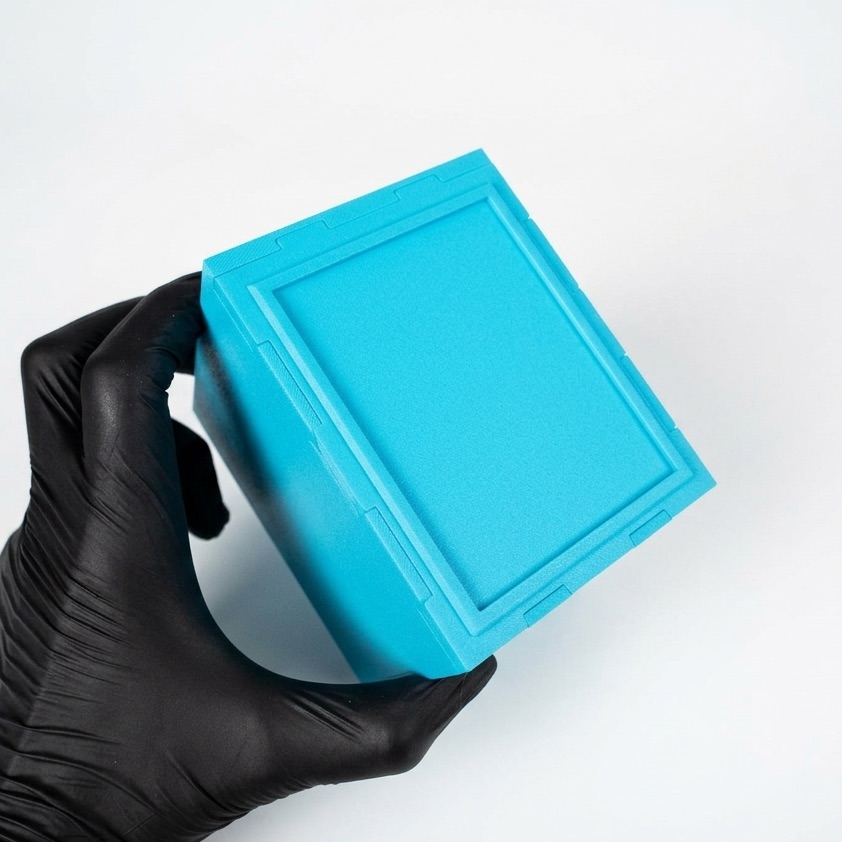
Place the Base on a flat surface. Make sure the textured surface (seen in the photo with the raised edge) is facing DOWN, so it is not visible. The flat side must face up, creating a smooth bottom inside the box.

Base
Assembly

Step 2: First connection

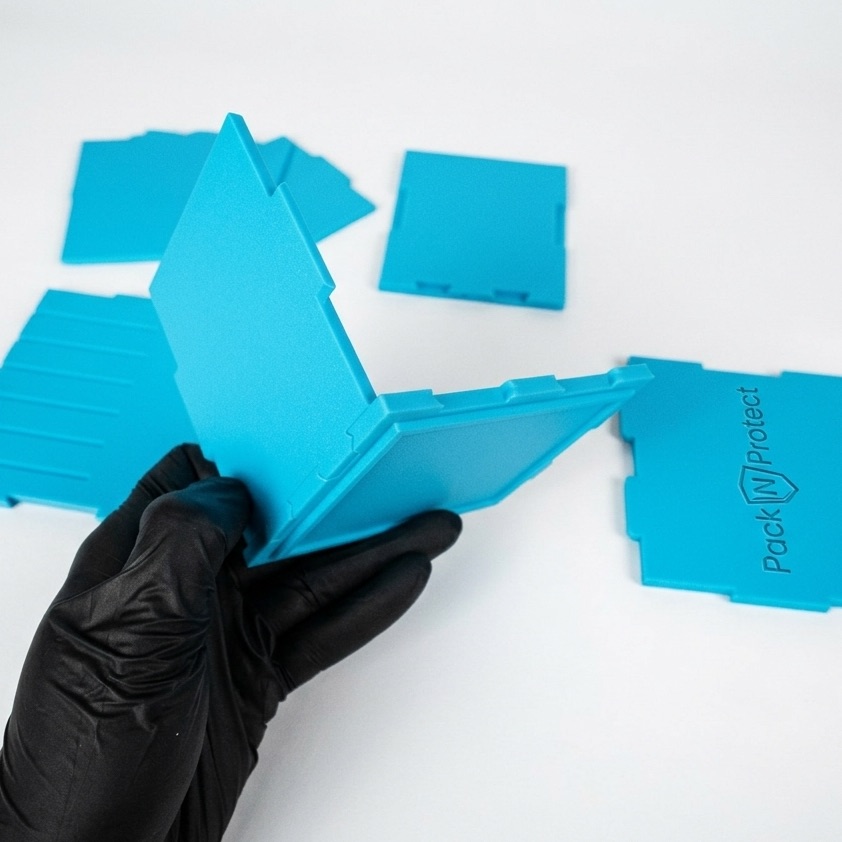
Start by connecting the base with a shorter panel (front or back). The connection is made by pressing the tabs into the corresponding slots in the base. Press firmly.

First panel
Assembly

Step 3: Second shorter panel

Do the exact same thing on the other side. Take the second small panel and press it into the slots on the opposite end of the base. You will get a stable "U" shape.

Second panel
Precision

Step 4: Aligning the side

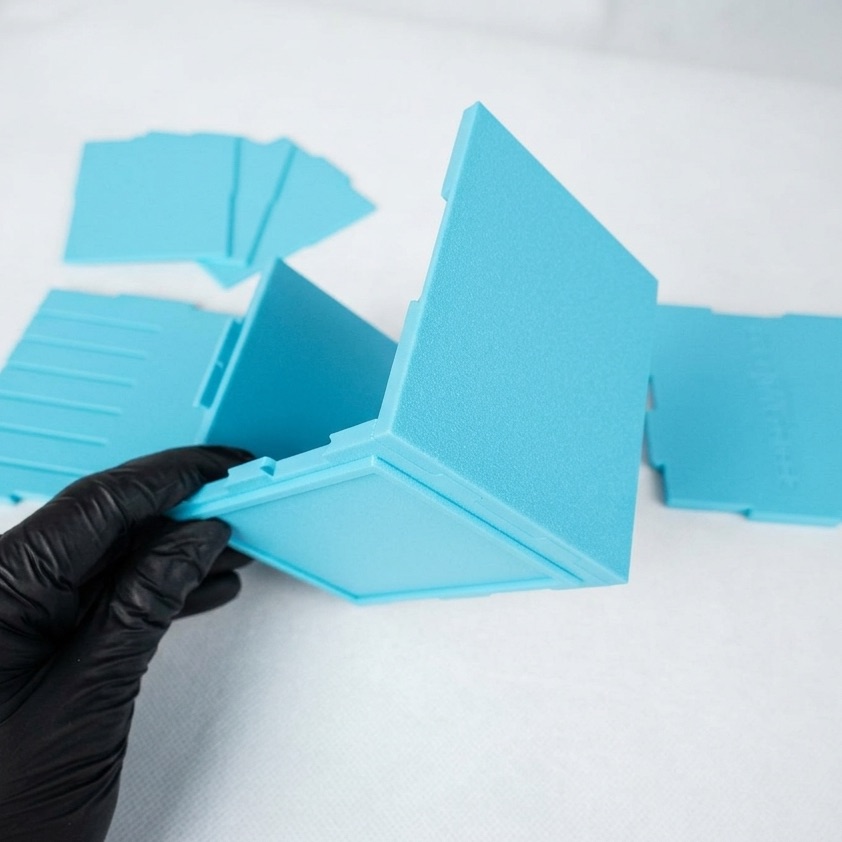
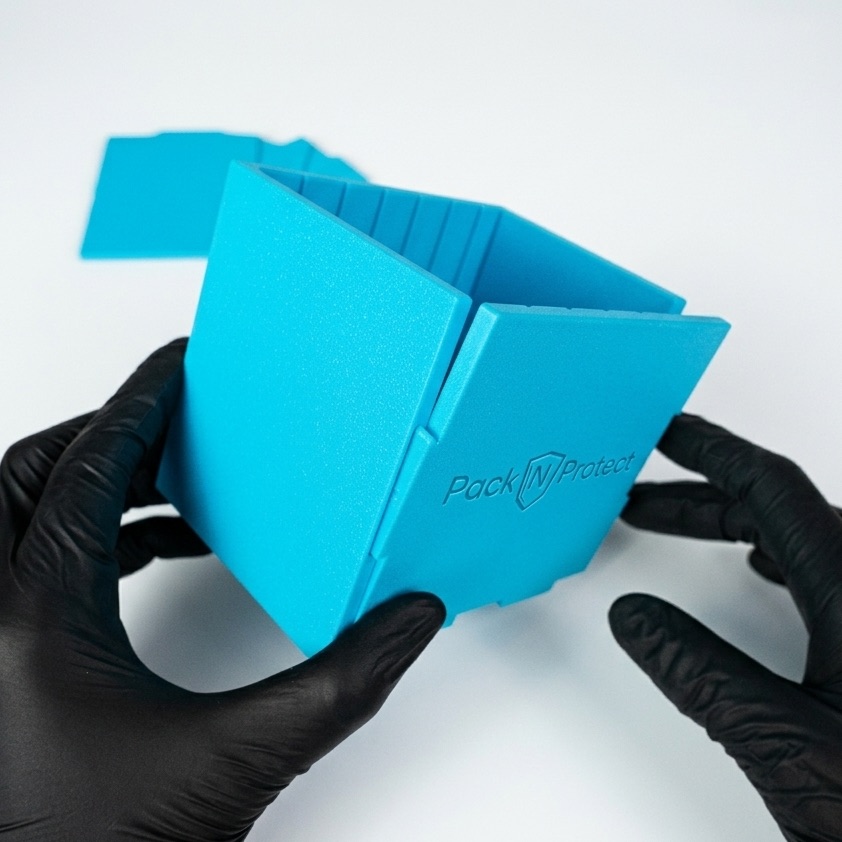
Now for a slightly harder task. Take the side panel (with the logo) and align it perfectly like a puzzle with the slots in the base and the tabs on the short panels. At this stage, we only fit the elements loosely.

Aligning the panel Aligning details
Snap

Step 5: Press and "CLICK"

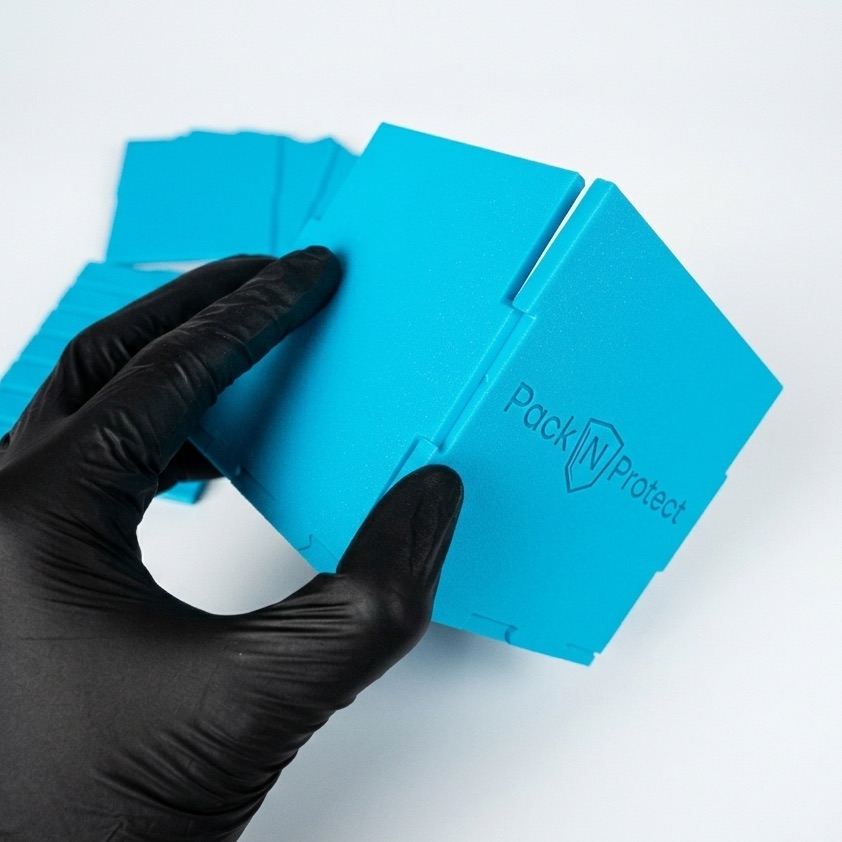
Use your thumbs to evenly press the side panel into the rest of the parts. Use your other fingers to support the structure from the back. Press firmly until you hear a distinct "click" (plastic on plastic) – this is a sign that the tabs have locked into place.

Pressing the panel
Closing the box

Step 6: Second side panel

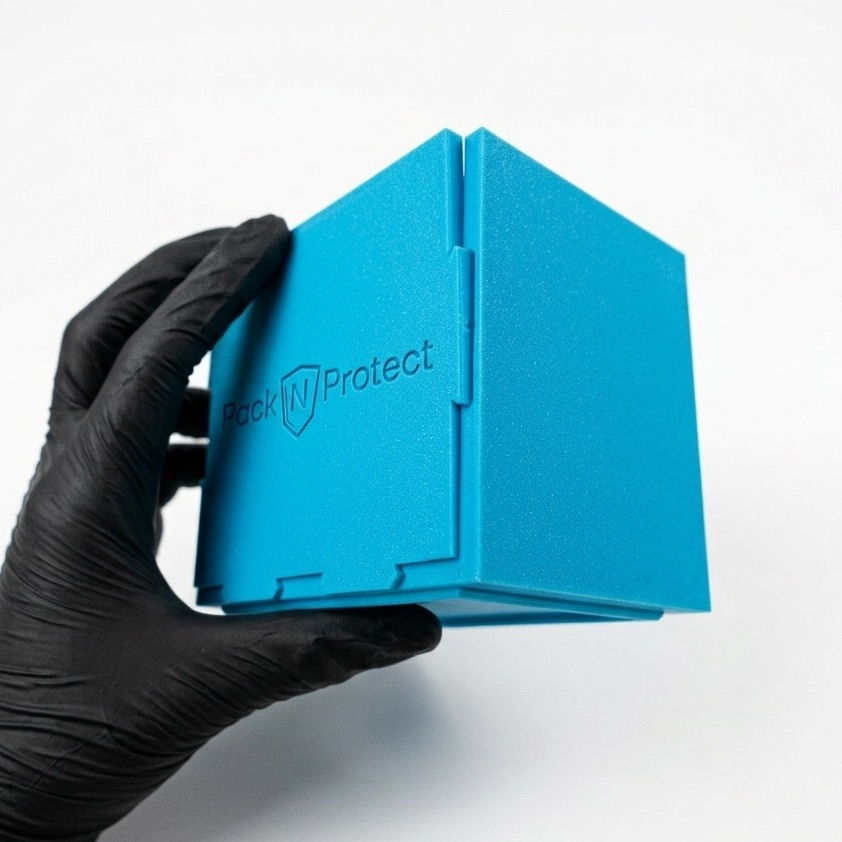
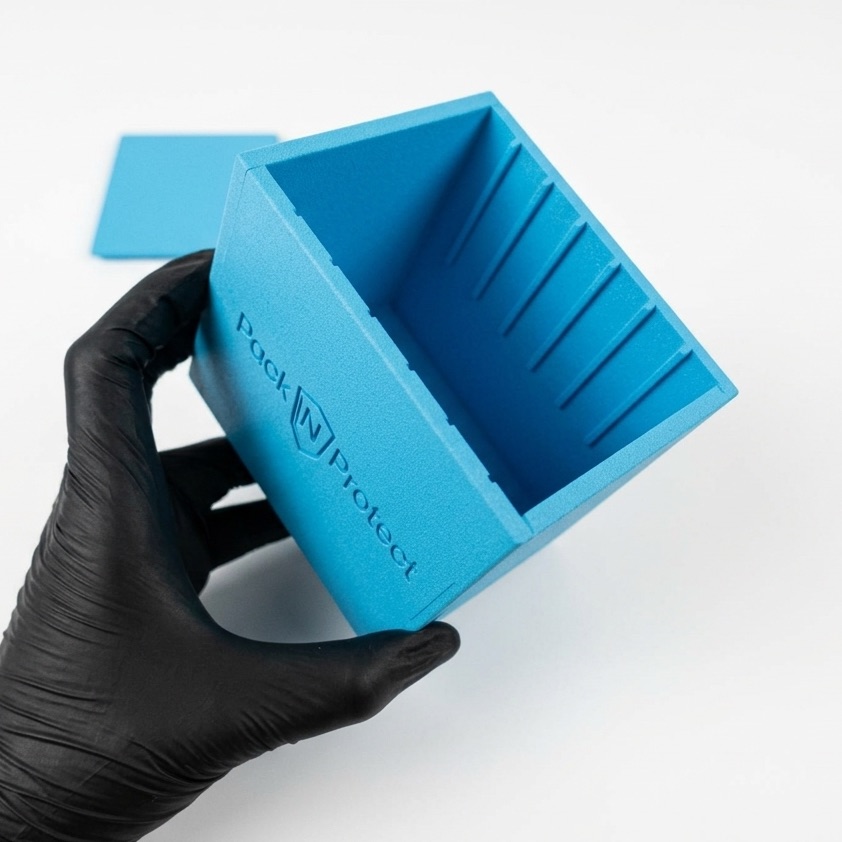
Repeat the process (Steps 4 and 5) with the second side panel. After properly aligning and snapping it in, the box becomes fully rigid. Look at the bottom photos – the joints should be perfectly fitted.

Attaching second side panel Inside view Bottom view
Organization

Step 7: Inserting dividers

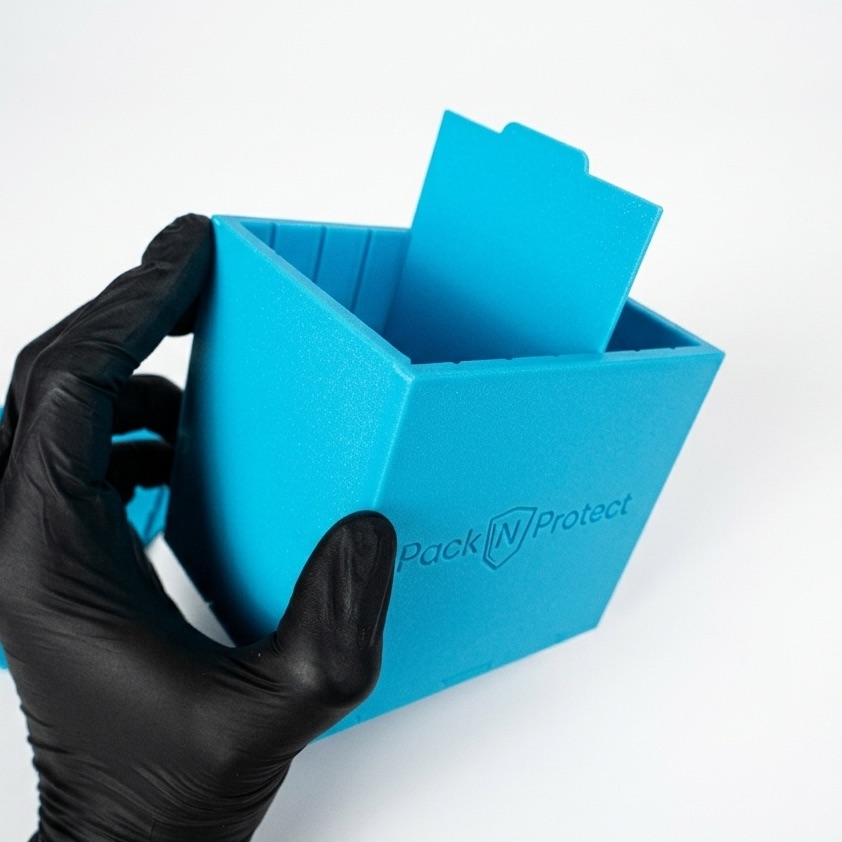
We are left with the dividers. Insert them with the top "tab" pointing up. Choose the appropriate grooves (rails) and slowly slide the divider all the way to the bottom.

Tip: If the divider resists and won't go in, you can slightly bend the side walls outward. After placing all three dividers, just squeeze all the walls together again.

Dividers

Done!

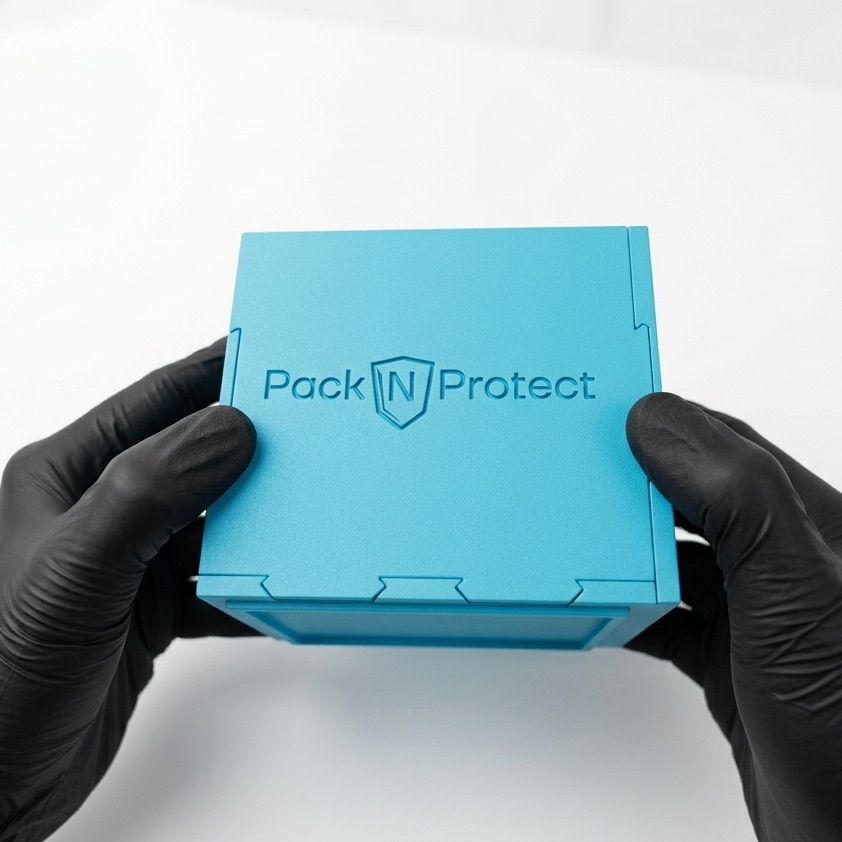
Your Pack N Protect box is assembled and ready to hold your most valuable cards.

Finished assembly